
You can add multiple email addresses which you can easily view and manage in your Outlook application and profile. Follow the steps below to add an email address to you Microsoft Outlook application using the POP3 settings. Note, the benefit of setting up a POP3 connection to your email is your emails in your mailbox will download to your outlook data file on your pc or laptop and you can backup the outlook data file with all your emails if needed.
- Launch Control Panel - Click Start and search, type Control Panel
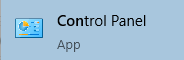
- Change your view in the control panel to Small icons

- Click Mail

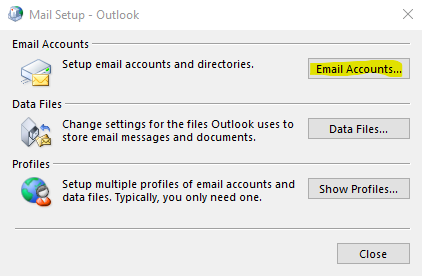
- The Mail Setup box will show up, click on the Email Accounts button
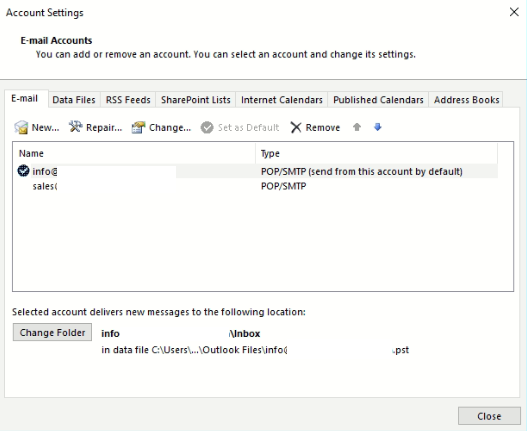
- If you have an existing email address or outlook profile, then you will see the Account Settings box. Click on New
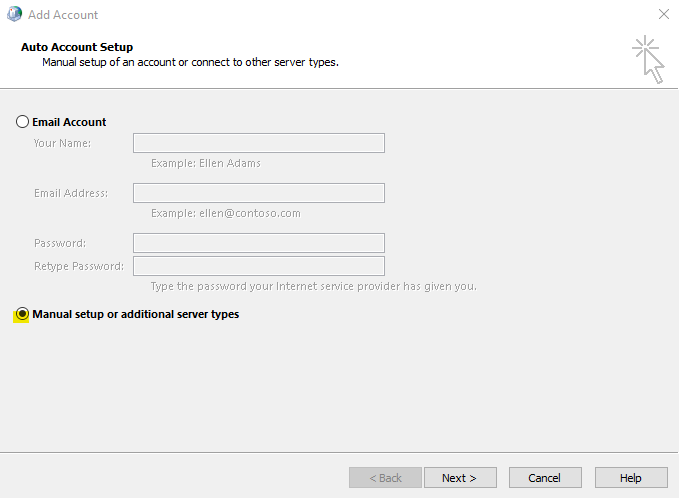
- Select Manual setup or additional server types option and click Next
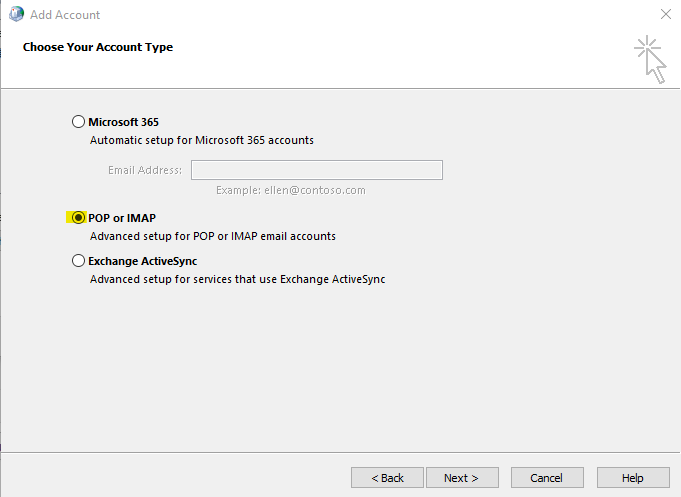
- Choose POP or IMAP option and click Next
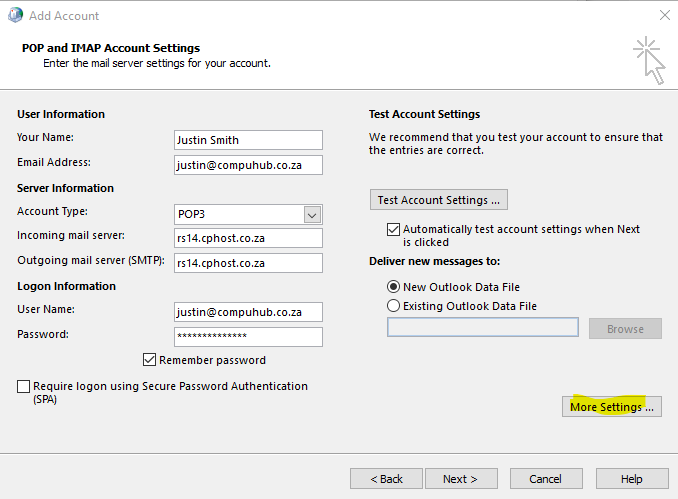
- Enter your email settings as per screenshot below. Note: Incoming mail server and Outgoing mail server (SMTP) should be mail.yourdomain.co.za - example, mail.nemohost.co.za .You can obtain the settings or change password in your cpanel. Click More Settings button
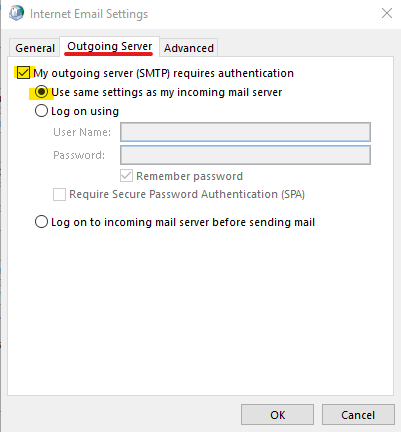
- Select the Outgoing Server tab and select the options highlighted in screenshot below
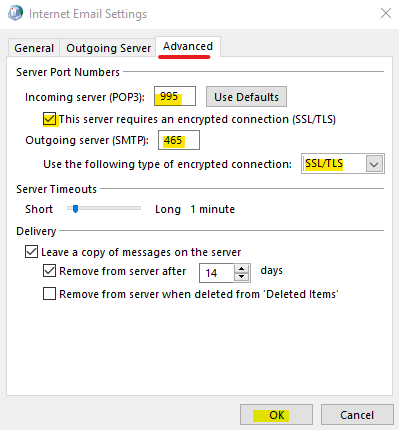
- Click on Advanced tab and enter settings highlighted in screenshot below, click Ok button when done. It is recommended to use SSL settings to secure your email from attackers.
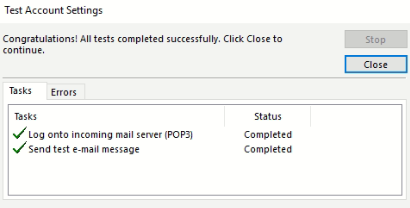
- Click Test Account Settings button to see if you can successfully connect to your mailbox. You should see the box below with the 2 green ticks if you can successfully connect to your mailbox. Click Close button
- Then click Next at the bottom and Finish
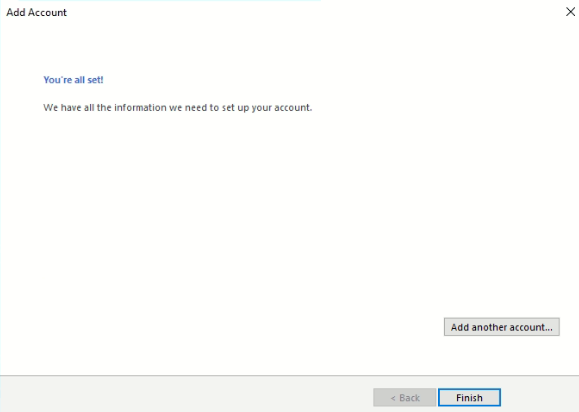
And that's it, you can close everything and open Microsoft Outlook and you will see the test emails.
