
Your domain email address can be added to many email apps on your phone. The steps below will show you how to add your personalized domain email address to your phone's Gmail application using POP3 settings.
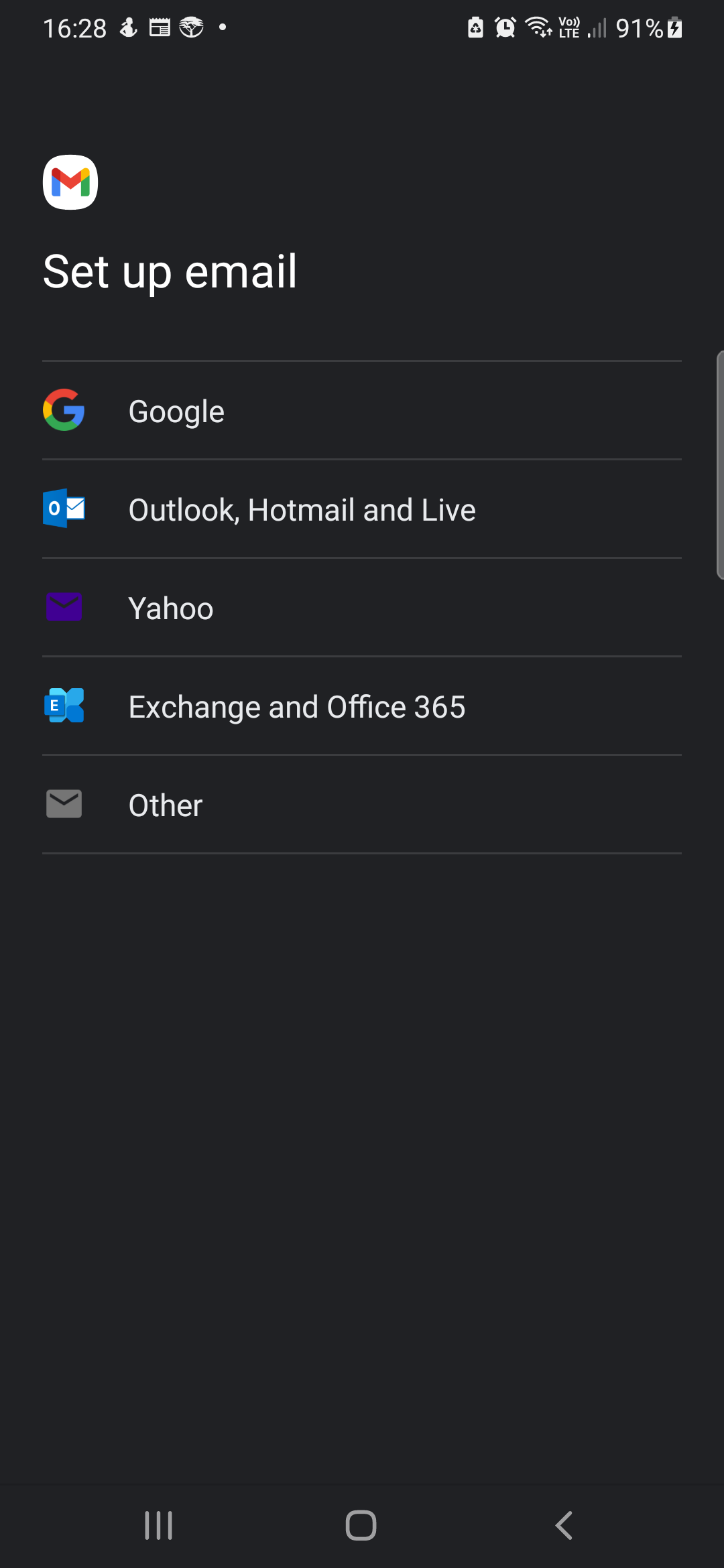
- Open Gmail application on your phone and click on the 3 bars at the top left to open the menu. Scroll down the menu and click Settings. Then Click Add account. Click Other option from this screen below.
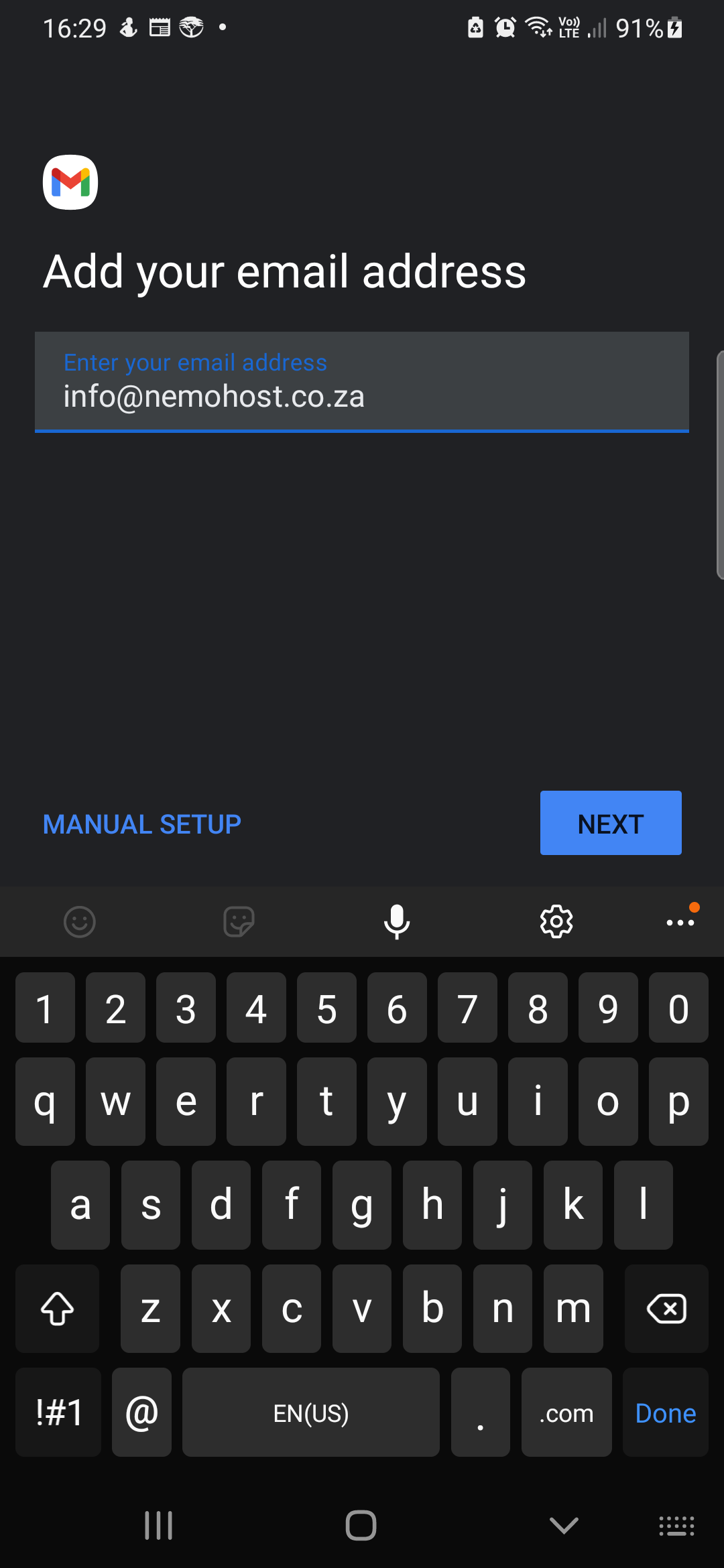
- Enter your email address and click Manual Setup
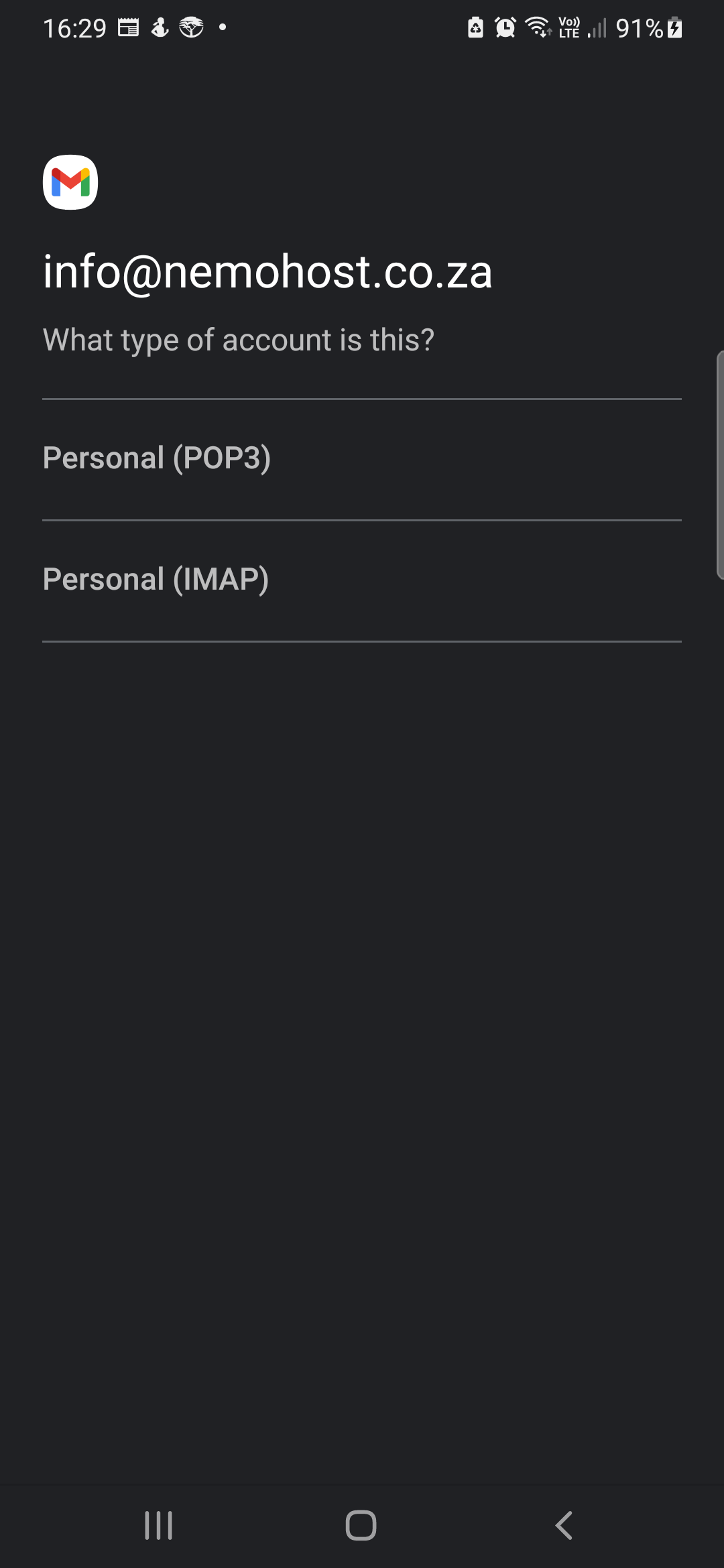
- Choose Personal (POP3)
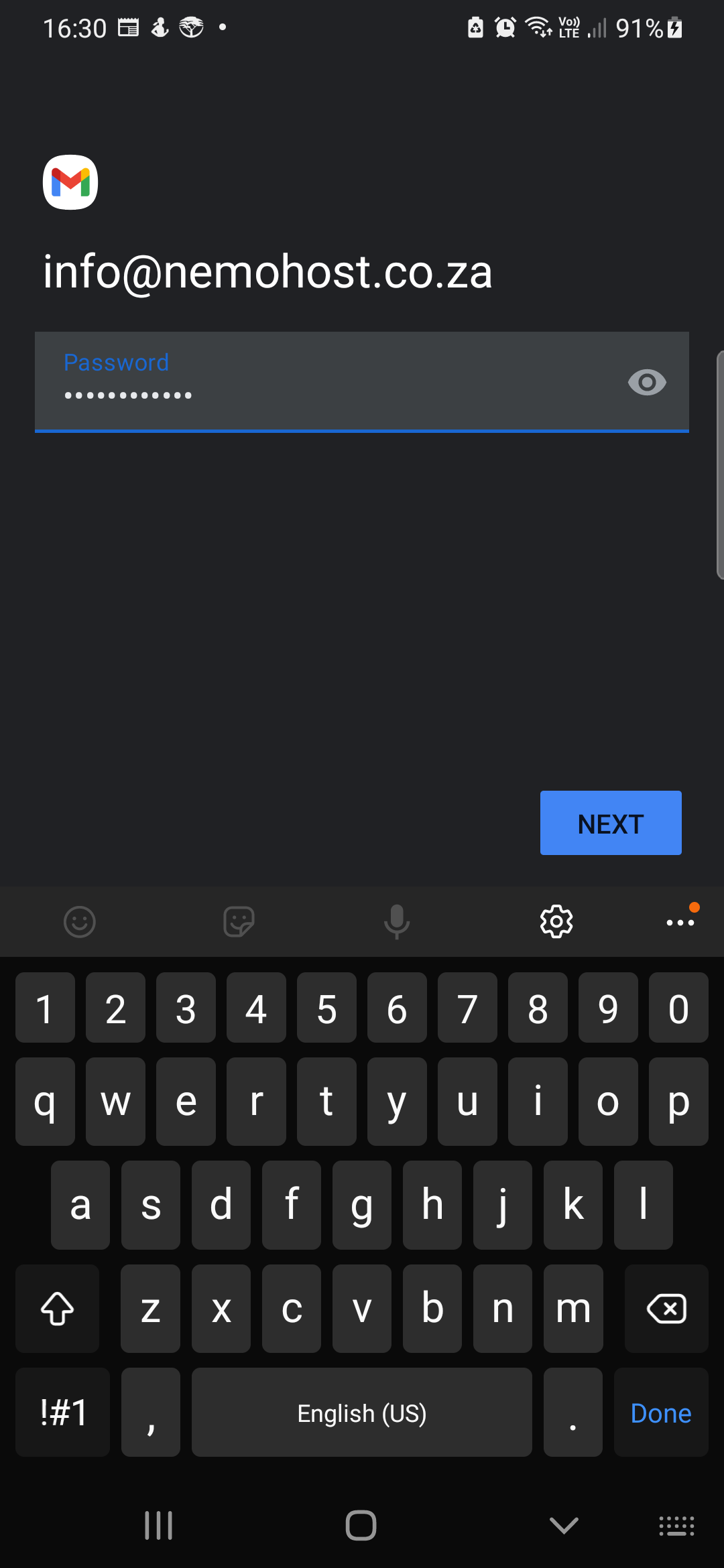
- Enter the email password and click Next
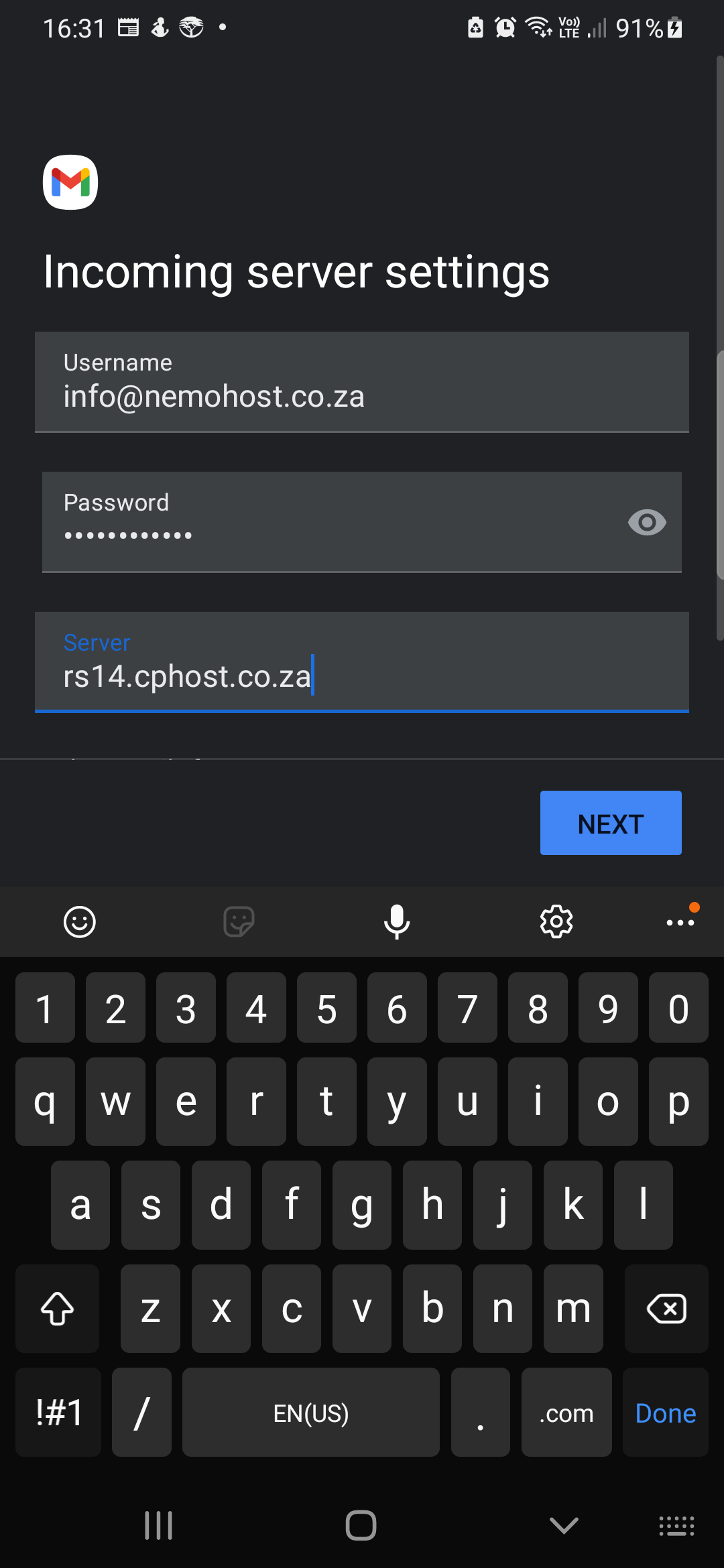
- Enter Server name.
- Note: Incoming mail server and Outgoing mail server (SMTP) should be mail.yourdomain.co.za - example, mail.nemohost.co.za
- and click Next
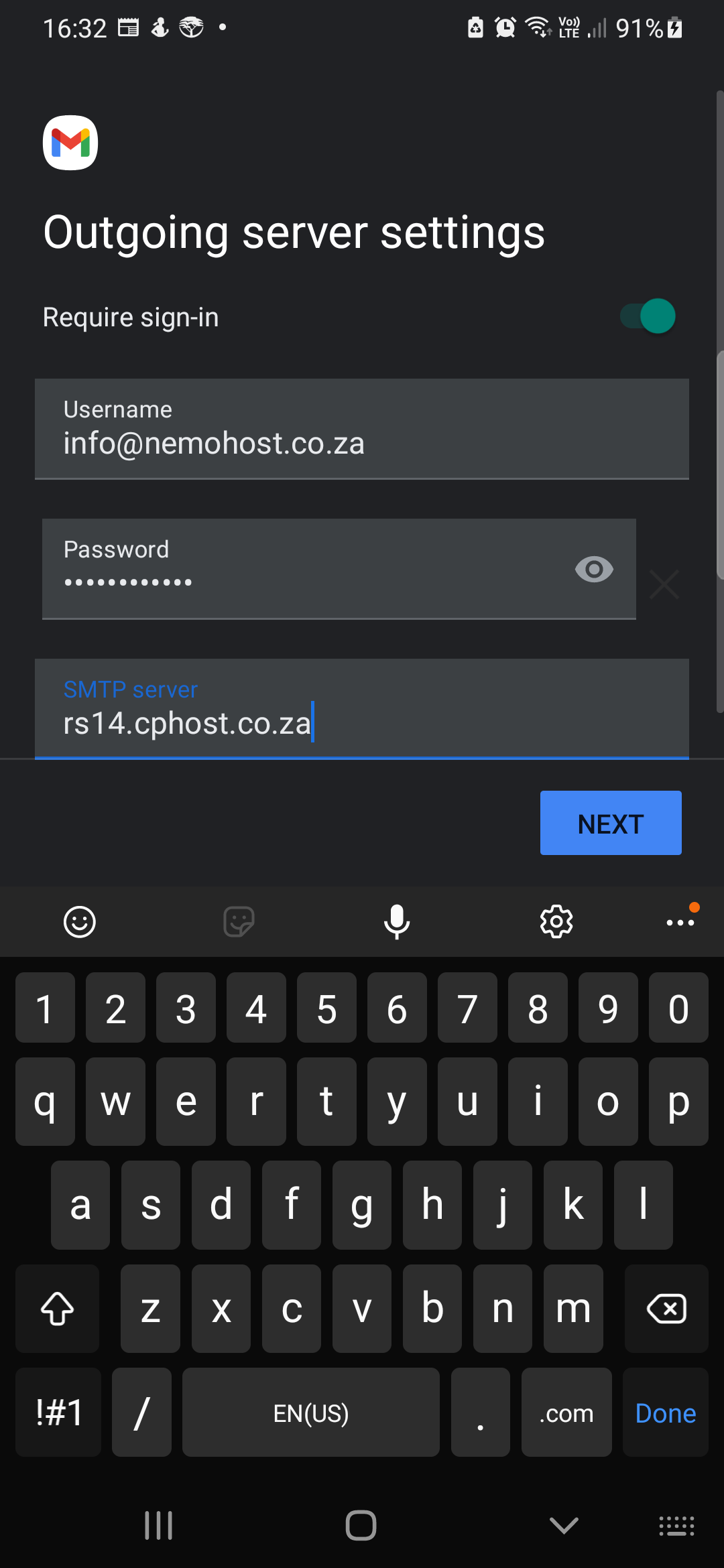
- Enter SMTP Server name
- Outgoing mail server (SMTP) should be mail.yourdomain.co.za - example, mail.nemohost.co.za
- Click Next
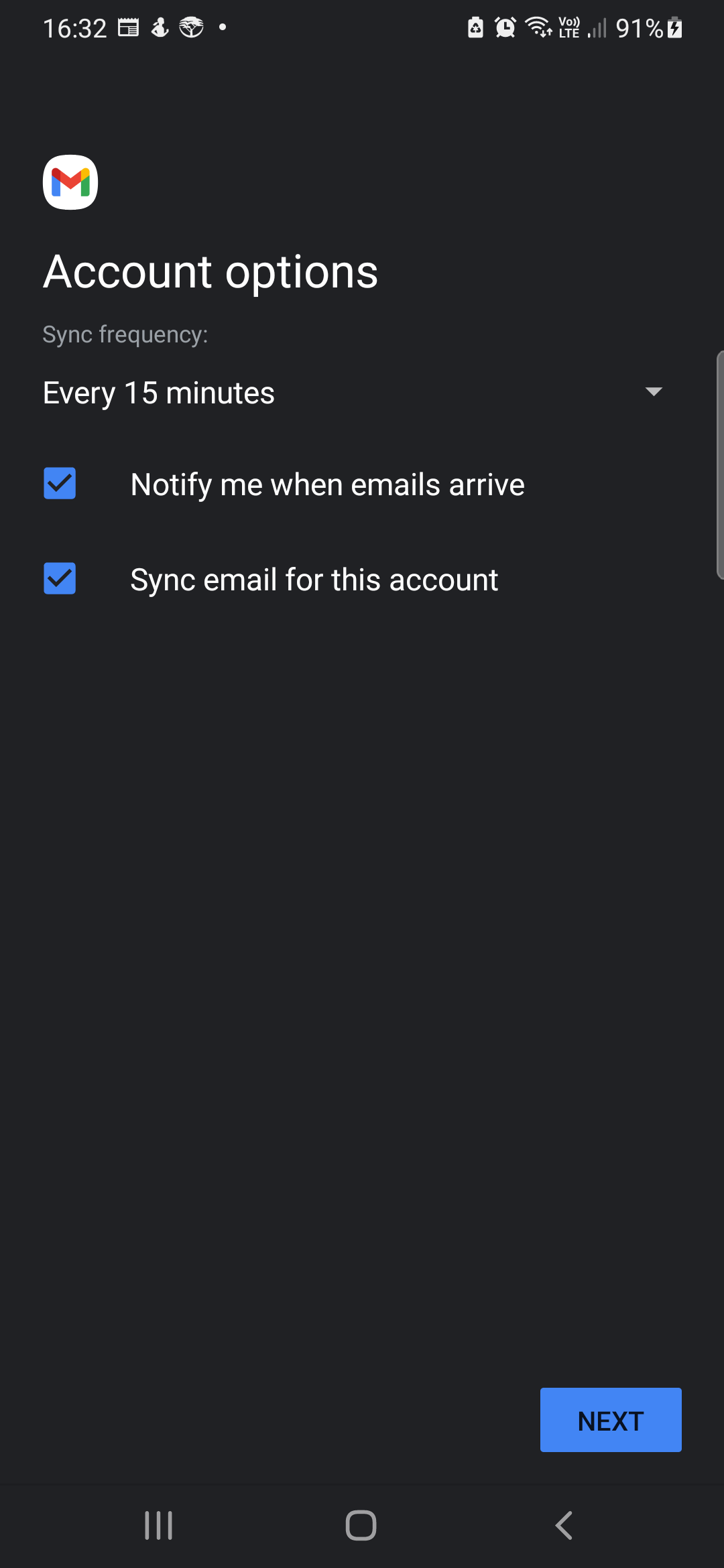
- Choose your account options and frequency to check emails and click Next
- Enter Your Name and click Next. This will be displayed as the sender name.
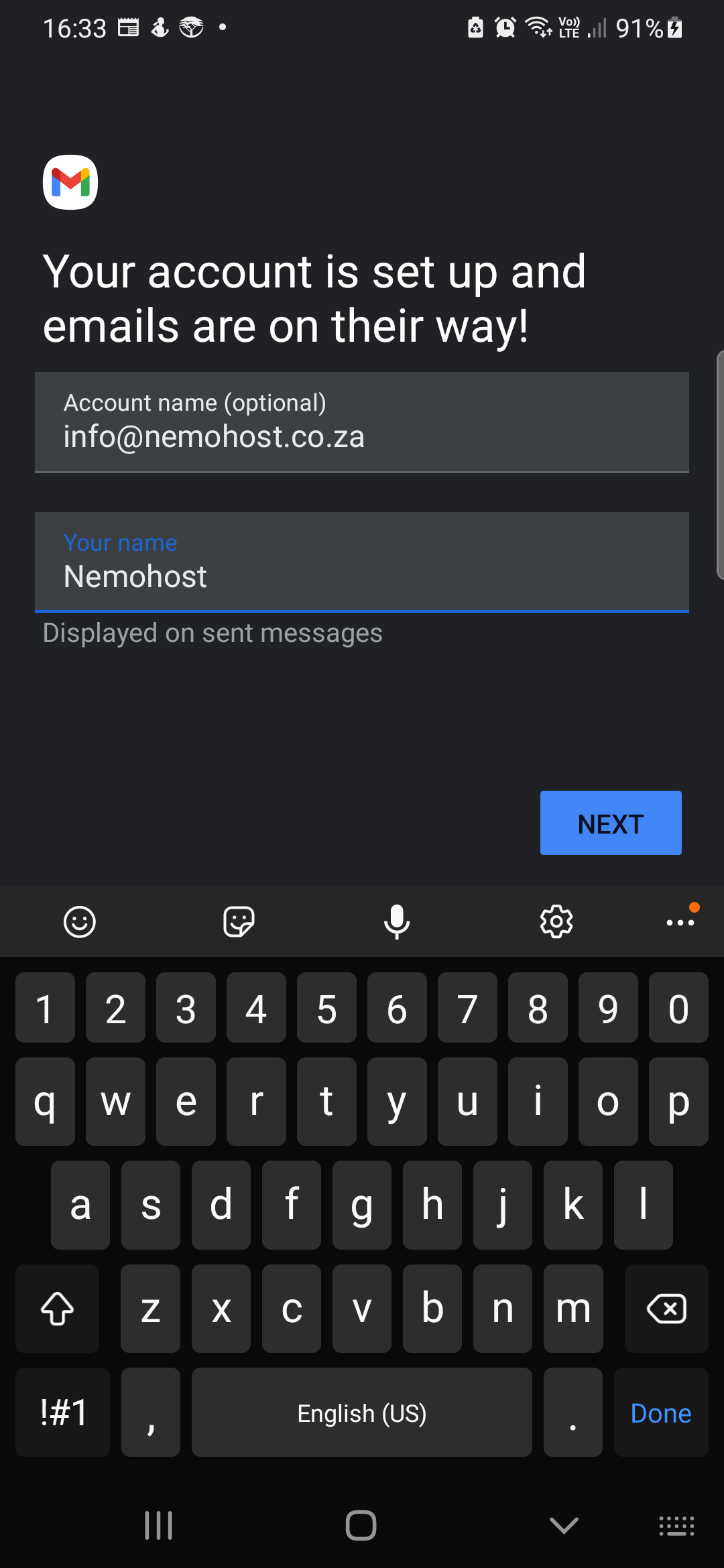
- That's it, you account has been added to Gmail app successfully.
